
Seamless Compatibility Testing Services for Every Environment
Cross-Platform Testing
With our application compatibility testing services we ensure that the software supports multiple OS, screens & devices. We identify platform-specific issues, fix them and deliver a seamless user experience.
Browser Testing
We validate, layout, features and responsiveness ensuring the app works flawlessly for different browsers. By performing browser compatibility testing services that support Chrome, Firefox, Safari, Edge, and others.
Legacy System Testing
Helping organizations maintain operations upgrading the older system with our version compatibility testing services. We ensure that the software performs effectively for different software versions.
Integration Testing
Using the combination of software compatibility testing services and hardware and network compatibility testing services we ensure easy interaction with apps, API, third-party tools etc.
From Planning to Perfection: Our Compatibility Testing Process
Requirements Analysis
Initially, we understand the business objective, environment and their technical requirements. As an experienced software compatibility testing company, we develop by following comprehensive test plans that support different browsers, OS & software versions.
Test Environment Setup
For web application compatibility testing and device compatibility testing services, our team tests in a realistic testing environment to see the actual results. This helps to configure for different browsers, OS, devices and networks.
Test Case Development
Our team develops detailed test cases that cover functional, visual compatibility scenarios. We also perform forward compatibility testing and backward compatibility testing ensuring it works for both older & newer software versions.
Execution and Analysis
We implement the latest & trending compatibility testing techniques that deliver applications supporting different browsers, devices, operating systems, and network conditions. We analyze, identify compatibility gaps and take the actions for improving software quality.
Issue Resolution
Once compatibility issues are identified, we test & resolve it efficiently. With our robust compatibility testing services we help launch high-quality & user-friendly apps with confidence.
Unlock Greater Value with Our Compatibility Testing Services
User Experience
We help businesses deliver a seamless user experience with our compatibility testing services. This helps to increase the customer engagement & retention that leads to business growth.
Market Reach
Partner with TabdeltaQA, a leading software compatibility testing company helping you expand your audience & maximize the market opportunities without any platform-specific limitations.
Support Costs
With our compatibility testing services we identify & resolve the issue before the release, in-turn reducing the post deployment support cost & delivering smooth apps for multiple platforms.
Brand Reputation
Forward and backward compatibility testing are conducted, making sure that your application adheres to the newest technology standards.
Early Detection
Implementing compatibility testing techniques into the entire development lifecycle to identify issues at an early stage to reduce the project risk.
Ensure Cross-Platform Success with Expert Compatibility Testing Services
Partner with TabdeltaQA a leading compatibility testing company ensuring your software works flawlessly supporting different platforms, OS & screens. Let’s get it done, before it reaches your customers.
Why Choose Us? Your Trusted Software Compatibility Testing Company
Expertise
Our team of QA experts possess in-depth knowledge about software compatibility testing services ensuring your software delivers a seamless experience to the users.
Tailored Testing
Robust Infrastructure
Focus on Quality
We implement the following proven testing methodologies with our browser compatibility testing services and web application compatibility testing. We detect inconsistencies, fix it & make them reliable for multiple browsers & platforms.
Cost-Effective Solutions
Following a streamline testing approach to deliver with reliable compatibility validation while optimizing costs. Our version compatibility testing help us identify at an early stage that it supports different versions.
Customer Support
We just don’t deliver development by also offering exceptional support with our compatibility testing services. As a trusted software compatibility testing company, we always provide proactive guidance for your project outcome.



FAQ
1. What is compatibility testing in software testing?
The term compatibility testing in software testing can be defined as a type of software testing that checks whether an application works correctly across different devices, operating systems, browsers, networks, and hardware configurations. The goal is to ensure users have a consistent experience regardless of the platform they use. Compatibility testing helps identify issues related to display, functionality, performance, and integrations before the software is released.
2. Why is compatibility testing important for businesses?
Compatibility testing is very important for businesses. This is because customers access software using different devices, browsers, and operating systems. If an application does not work properly on a specific platform, it can lead to poor user experiences, customer dissatisfaction, and lost revenue. Compatibility testing helps businesses identify and fix platform-specific issues before launch. It improves software reliability, expands market reach, reduces support costs, and protects brand reputation.
3. When should compatibility testing be performed?
Compatibility testing is to be performed throughout the software development lifecycle, not just before release. It is best to start testing as soon as key features are developed and continue during integration, system testing, and pre-release stages. Early testing helps identify compatibility issues before they become costly to fix. It should also be conducted whenever there are changes to software versions, operating systems, browsers, devices, or third-party integrations.
4. What are the types of compatibility testing?
There are different types of compatibility testing. This includes browser compatibility testing, operating system compatibility testing, device compatibility testing, hardware compatibility testing, network compatibility testing, mobile compatibility testing, and application compatibility testing. It also includes forward compatibility testing, which checks software performance with future versions, and backward compatibility testing, which ensures support for older versions.
5. What issues can compatibility testing identify?
With compatibility testing it can help to identify various issues in the application. This includes browser rendering problems, broken layouts, unsupported features, display inconsistencies, device-specific errors, operating system conflicts, network-related issues, and integration failures. It can also detect performance differences across platforms and version compatibility problems. By identifying these issues early, businesses can prevent customer complaints, reduce downtime, and improve software quality.
6. How is compatibility testing different from functional testing?
Yes, compatibility testing is different from functional testing. Functional testing verifies that software features work according to the specified requirements. It focuses on validating functionality such as login processes, calculations, workflows, and user interactions. Compatibility testing, on the other hand, checks whether those features work correctly across different browsers, devices, operating systems, networks, and hardware configurations.
7. Can compatibility testing be automated?
Yes absolutely!! Compatibility testing can be automated. By doing this, it helps to improve efficiency and test coverage. Automated tools can run tests across multiple browsers, devices, operating systems, and environments much faster than manual testing. Automation is particularly useful for repetitive tests, regression testing, and large-scale projects.
8. What tools are used for compatibility testing?
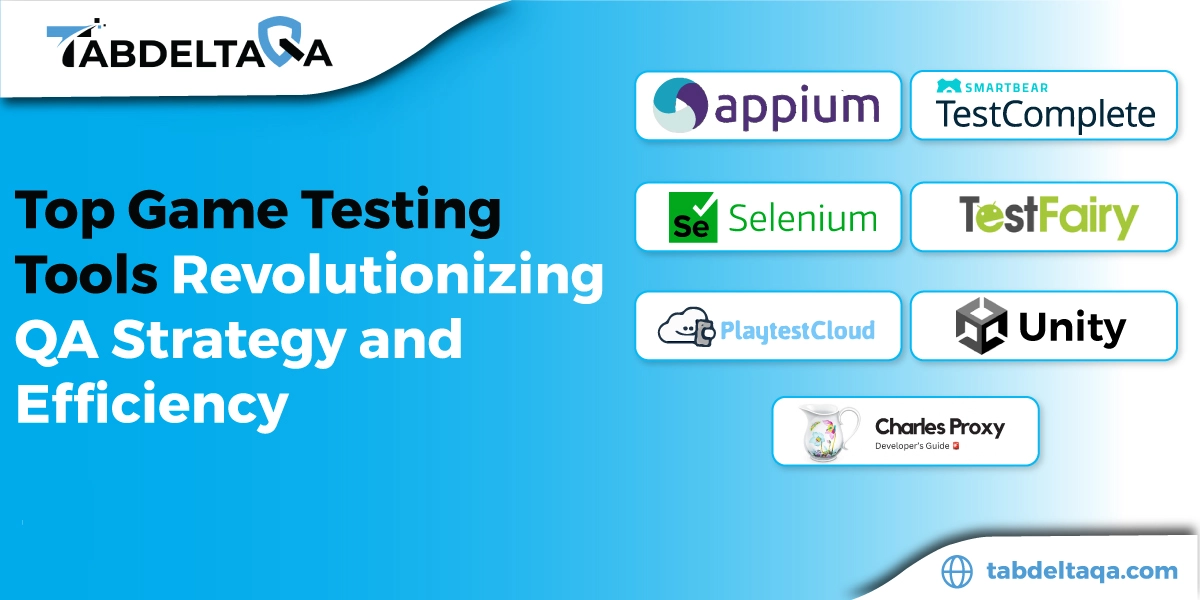
There are different tools used for compatibility testing that depend on the project requirement. Some of the popular tools are Selenium for browser testing, BrowserStack for cross-browser and device testing, Sauce Labs for cloud-based testing, LambdaTest for browser compatibility validation, and Appium for mobile application testing. Teams may also use real devices and virtual machines to test different operating systems and environments. These tools help testers verify software functionality, performance, and appearance across various platforms.
9. How do I choose the right compatibility testing approach?
In order to choose the right compatibility testing approach, start by identifying the devices, browsers, operating systems, and network environments your users commonly use. Prioritize testing on the most critical platforms first. Consider a combination of automated and manual testing for better coverage and accuracy. Use real devices whenever possible to validate user experiences. Businesses should also evaluate future and legacy platform support requirements. The compatibility testing approach also depends on your application, target audience, and business goals.
Let's Start a Conversation!
We value your input! Reach out to us with your inquiries or suggestions, and let's start a conversation.